Skip to content
ContractorAnsweringAI

Contractor Answering Service for Crews on the Job

Our contractor answering service answers as your business with an AI receptionist when you forward your calls. Try a kitchen remodel request in the browser demo and hear how an estimate call becomes a booked visit.

Your AI receptionist takes estimate requests and books visits while you keep the crew moving.

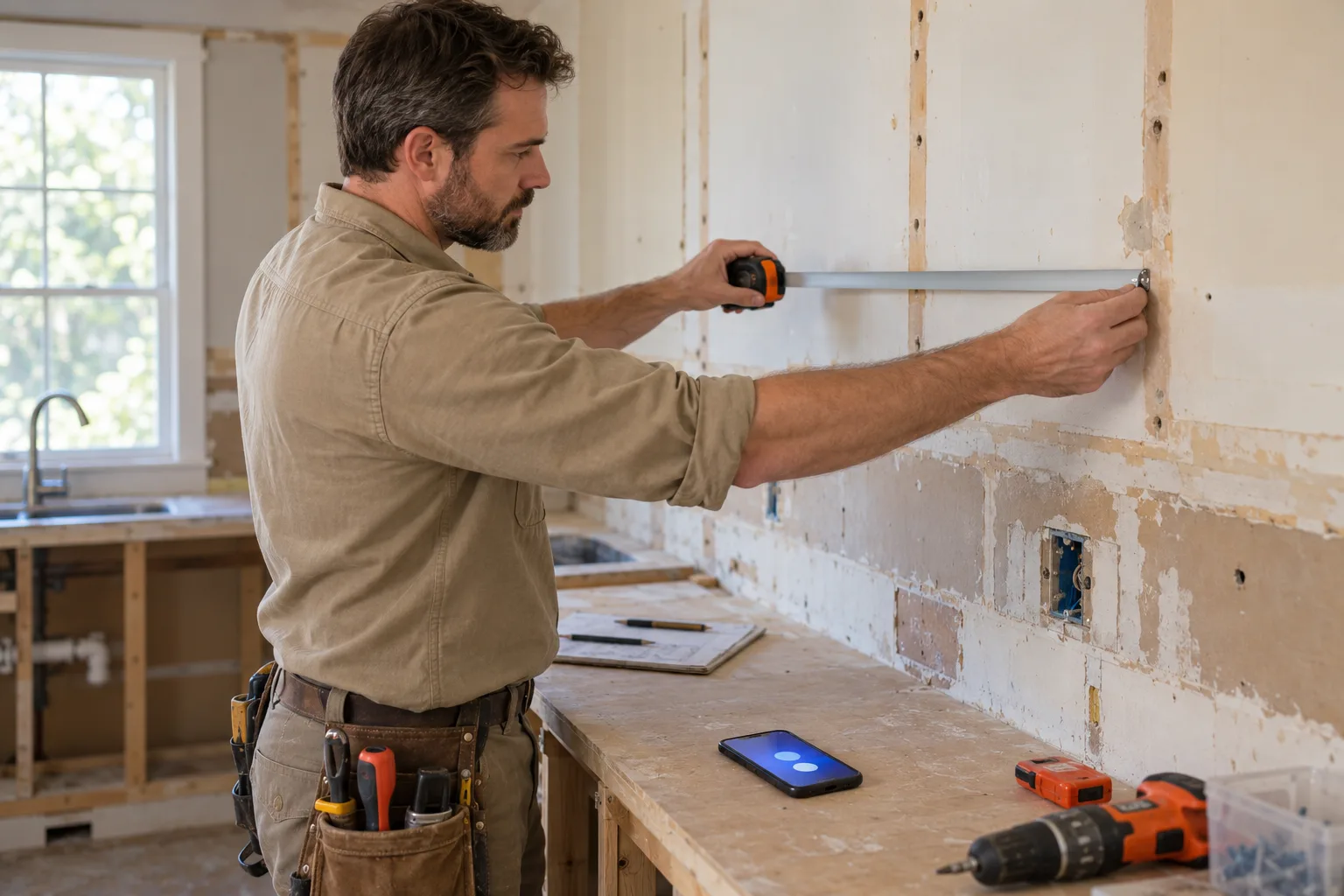
A remodeling contractor measuring a kitchen wall under renovation, cabinets removed
Free trial on request: 14 days, up to 100 minutesPrivacySecurity

Missed calls leave estimates and job decisions waiting

An unanswered phone can leave a new estimate, a waiting supplier, or an active job stalled. Your receptionist takes the details when work keeps you from picking up.

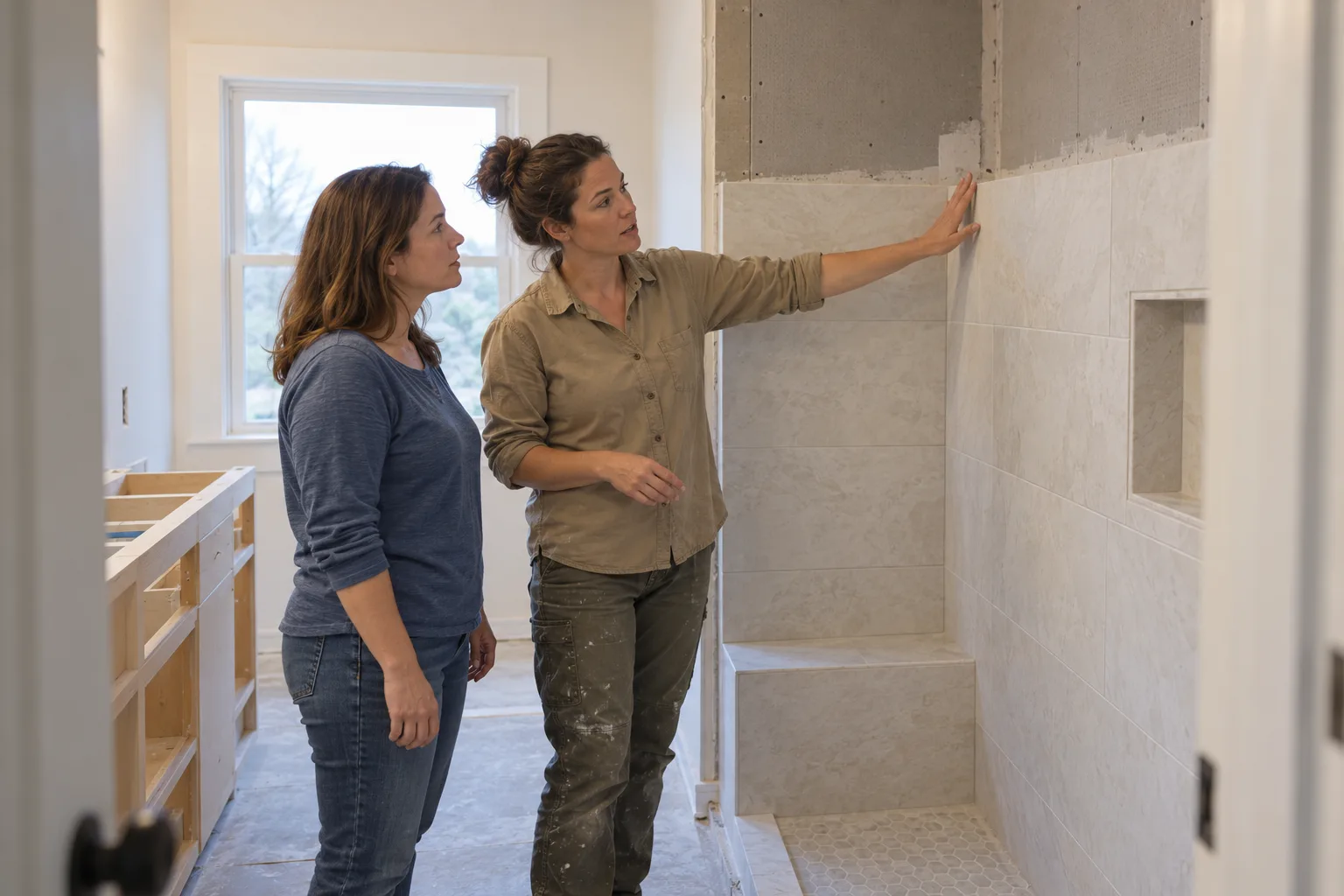
A contractor walking a homeowner through a half-finished bathroom remodel, both looking at the tile work
  1. Busy season

    Capture project requests while you are walking jobs and coordinating crews.

  2. Lunch and evenings

    Give callers somewhere to explain what they need outside office hours.

  3. Jobs in progress

    Take messages from homeowners, subs, and suppliers while you finish the task.

Full details

A missed call can mean an estimate you never get to discuss or a delivery question that waits until you check voicemail. During a busy stretch, new inquiries compete with the customers and crews already counting on you. A construction answering service gives those callers a place to leave useful details.

Choose coverage for all calls, or forward only when you are busy, unavailable, or closed. Your receptionist asks why the person is calling and records the message for your review. You still make the project decisions and return calls that need your judgment.

Get the job details, urgency, and reason for the call

Your receptionist asks the intake questions you set, captures the caller's request, and flags urgency under your rules. You receive a summary, transcript, and recording to review before calling back.

ExampleNormal3:40 p.m.

New message for Oakline Builders

Existing job: change order question.

Message taken for the owner, with the caller number.

Transcript excerpt (example)

  1. Assistant Thanks for calling Oakline Builders. I am a virtual assistant and this call is recorded. How can I help?
  2. Caller Describes the situation: existing job: change order question.
  3. Assistant I will pass this to the team. What is the best number to reach you?

The whole transcript and the recording are in the dashboard.
  1. Estimate intake

    Ask about the project, location, and details your business needs first.

  2. Urgent requests

    Follow your escalation order for a warm transfer or an on-call page.

  3. Useful messages

    Record change requests, delivery updates, and who the caller needs to reach.

Full details

Your receptionist uses your onboarding answers and website to learn your services, service area, hours, and price policy. A kitchen inquiry needs different questions from a subcontractor asking for the project manager. You set the intake so the message helps you decide the next step.

For urgent calls, the AI can warm transfer to your on-call person or page them in your chosen order. It does not approve a change order or invent a binding estimate. Hazard reports follow safety instructions first, with an alert to you afterward. Explore how we handle existing job messages.

Try estimate, change order, and supplier calls below

The browser demo below lets you call a fictional contractor business without signing up. Listen for the disclosure, the follow-up questions, and whether the resulting message gives an owner enough context.

Example business (made up): Oakline Builders

Choose a scenario, then press Start talking.

ExampleBooked3:40 p.m.

New message for Oakline Builders

Kitchen remodel estimate request.

Booked for Monday, 2 to 4 p.m. (example time). Confirmation is in the summary.

Transcript excerpt (example)

  1. Assistant Thanks for calling Oakline Builders. I am a virtual assistant and this call is recorded. How can I help?
  2. Caller Describes the situation: kitchen remodel estimate request.
  3. Assistant Which day suits you? I have Monday afternoon open.

The whole transcript and the recording are in the dashboard.

Example of what the owner receives after a call like this.

  1. New project

    Request a kitchen estimate and listen for questions about the work.

  2. Active job

    Ask about a change order or call as a sub or supplier.

  3. Different callers

    Request a phone price or speak Spanish to test the response.

Full details

Use the fictional business to try the calls your office fields during a workday. Describe a kitchen remodel, then ask a change order question about an existing project. Call as a subcontractor looking for the project manager or a supplier reporting a delivery update. Listen for the details the receptionist asks you to clarify.

Try pressing for a price, then speak as a Spanish-speaking homeowner. Check how the receptionist follows its price policy and handles the language change. Review the result as an owner would before a callback. You can also open all demo scenarios to work through them one at a time.

Forward your number and get messages after calls

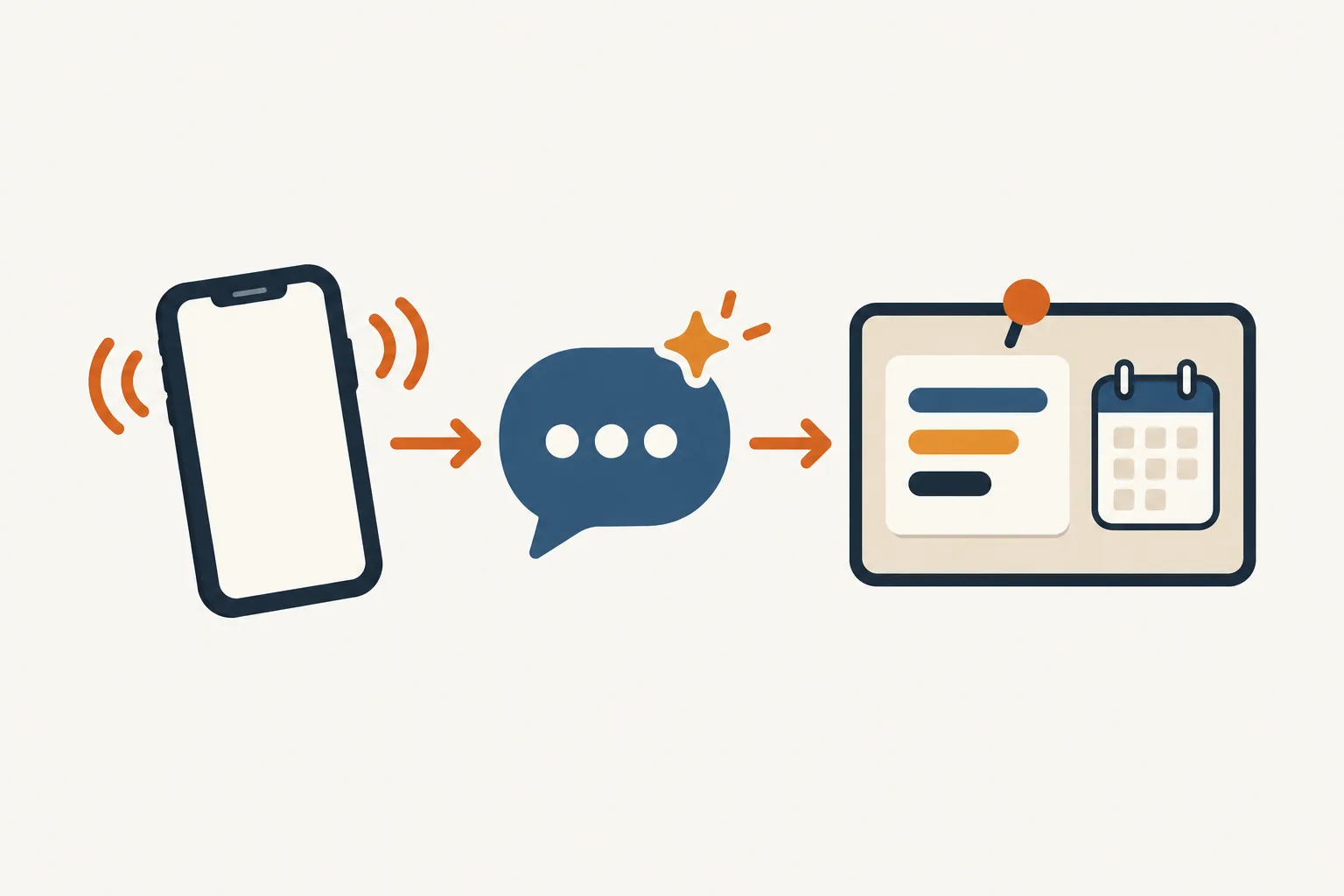
You keep your business number and forward the calls you want covered. The AI answers as your business, then sends email and app push alerts with the call details.

Illustration: a ringing phone, an AI bubble, and a job card pinned to a board with a calendar square
  1. Choose coverage

    Forward all calls or only busy, unanswered, or after-hours calls.

  2. Set the rules

    Teach your receptionist your services, hours, intake questions, and urgent contacts.

  3. Review the result

    Get call summaries, recordings, transcripts, and appointments booked into Google Calendar.

Example dashboard with made-up calls
Full details

We provide a local number and a forwarding guide for your carrier or phone system. Decide when calls should reach your receptionist, then place a test call before going live. The greeting identifies it as a virtual assistant and tells callers the call is recorded.

After a call, your alert includes a summary, urgency tag, transcript, and recording. Review calls and usage in the dashboard, with a daily digest by email. For appointments, choose Google Calendar booking or have the receptionist collect details for your callback. See the setup steps before forwarding your line.

Choose AI, live answering, or voicemail by the work

AI suits calls with clear intake and routing rules. A live receptionist brings personal judgment to unusual conversations, while voicemail gives callers a place to leave a message without answering questions.

  1. AI receptionist

    Follow your intake rules and flag requests for your review.

  2. Live answering

    Put a person into conversations that need judgment and careful discussion.

  3. Voicemail

    Collect a recorded message, then handle questions when you call back.

Full details

The right answering service for contractors depends on what you expect the person answering to decide. An AI receptionist can ask project questions, book an appointment into Google Calendar, or take a change request. You supply the rules and review messages that require a decision.

A live answering service offers a person who can respond to an unfamiliar situation with judgment. In-house staff can bring direct knowledge of your jobs and relationships. Voicemail leaves the follow-up work with you. Compare these options against your actual calls, including a confused homeowner or a supplier whose delivery needs attention, then use our demo to judge the AI's approach yourself.

Compare call costs, then check the monthly plan

Our plan is $249 per month with 500 AI minutes included and $0.20 per extra minute. Compare that with the time and billing model behind your other phone coverage options.

  1. Included time

    Budget around 500 AI minutes in the monthly plan at $249.

  2. Additional use

    Account for $0.20 per extra minute when call time exceeds the allowance.

  3. Free trial

    Request 14 days and up to 100 minutes to test before choosing ongoing coverage.

The plan

$249 per month

  • 500 AI minutes included
  • $0.20 for each extra minute
  • Free trial on request: 14 days, up to 100 minutes
  • Month to month, cancel online

Case-study price: $199 per month, locked for 12 months, for 10 businesses that agree to a short case study about their results.

Get started

Optional add-ons

  • Website chatAdd-on
  • Lead follow-up callsAdd-on
Full details

Call cost depends on how long a conversation lasts and how the option bills you. With our plan, compare your AI minute usage against the included allowance. For a live answering service, ask how its billing treats intake, transfers, and brief calls. For a hire, consider the time you need someone available, including time between calls.

Voicemail also leaves work to do: listening, asking the missing questions, and returning the call. Use your own workload to compare the options rather than treating each call as equal. Review the plan and trial terms before setting up forwarding for your requested free trial.

Use call summaries alongside your job software

Direct connections to contractor software are not live yet. Your receptionist sends summaries you can enter into your job system, and it can book appointments into Google Calendar.

  1. Keep your workflow

    Enter useful call details into the job software you already use.

  2. Review the source

    Open the transcript or recording when a message needs more context.

  3. Request a connection

    Tell us which software matters so demand can guide planned connections.

Full details

Your call messages can sit alongside the systems you use to manage projects. If you use Buildertrend, JobTread, Houzz Pro, JobNimbus, or Jobber, you enter the summary details yourself. Direct connections to these products are not available at launch.

Use the dashboard to read a transcript or listen to the recording before adding a change request to a job record. Appointment booking into Google Calendar is available, or you can collect callback details instead. Tell us which manual step takes the most time. We plan direct connections based on demand; current software status explains what is available today.

Teach it your business and make a test call

Setup starts with an onboarding chat about your business and website. Set your intake and escalation rules, then test the receptionist before real callers reach your forwarded line.

  1. Explain your work

    Share services, service area, hours, and what you do not take on.

  2. Name urgent contacts

    Set who gets urgent calls and the order for reaching them.

  3. Check a call

    Test the greeting, questions, and resulting message before going live.

Full details

The onboarding chat asks about your business so your receptionist has a clear brief. Give it your service boundaries, price policy, hours, and urgent contacts. Include the work you turn down, so the AI does not treat every project as a fit.

Run a test with a typical estimate request and another with an existing job question. Check the summary against what you said, then adjust settings by telling the AI in plain words. A card is required before forwarding goes live. Request a free trial to test your own call rules; we'll email your sign-in link when it's ready.

Ask about intake, escalation, billing, and cancellation

Before choosing phone coverage, ask how it handles your actual calls, what you receive afterward, and how charges work. Include the uncomfortable cases: uncertain answers, urgent requests, and cancellation.

  1. Test the intake

    Ask how estimate requests differ from change orders and supplier messages.

  2. Trace an escalation

    Check who gets urgent requests and what the handoff includes.

  3. Read the terms

    Confirm included usage, extra charges, cancellation timing, and backup call routing.

Full details

Ask any provider to walk through an estimate request outside your service area and a homeowner asking for a firm phone price. Find out how the answer changes when the receptionist lacks information. Ask how a caller learns who is answering and whether the conversation is recorded.

Then follow a message from the call to your inbox or dashboard. Check what the on-call person hears before accepting a transfer. Review billing and cancellation before you hand over coverage. For our service, you can test the conversation in the demo and review the monthly plan online; use the same questions to assess each option.

Questions

Will it schedule estimates for my contracting business?

Your receptionist can book estimate appointments into Google Calendar or gather details for your callback. You decide which approach fits your work. Give it your services, area, and intake questions during onboarding so a request includes the information you want before discussing the job.

Can it screen tire-kickers without turning callers away too quickly?

It asks your intake questions and follows your service area and price policy. That helps you review whether a project fits before returning the call. It does not decide who is worth your time on its own or invent a price to satisfy a shopper.

Can it take change-order messages from existing customers?

It can take a customer's change request and record the details for you to review. Set the questions you need about the job and requested work. The receptionist follows your price policy, leaves change decisions with you, and does not invent a binding estimate.

Does it handle calls from subs and suppliers?

Subs and suppliers can leave messages about active work, deliveries, or reaching the project manager. Your receptionist captures the reason for the call and follows your urgency rules. You receive the summary and supporting transcript or recording so you can decide what needs attention next.

Will callers know they are talking to AI, and are calls recorded?

Yes. The greeting says your receptionist is a virtual assistant and that the call is recorded. Both notices are part of the service and cannot be switched off. Try the demo to hear the opening before you decide how the service fits your business.

Can I keep my business phone number?

Yes. You keep your number and forward the calls you want the receptionist to answer. We provide a local number and a guide for your carrier or phone system. You can choose all calls, or coverage for busy, unanswered, or after-hours calls, then test the setup.

How do I get messages and urgent call alerts?

We send email and app push notifications with a call summary, urgency tag, transcript, and recording. Calls are also available in your dashboard, with a daily digest by email. For urgent requests, set a warm transfer or page to your on-call person in your chosen order.

Does the receptionist speak Spanish?

Yes. Your receptionist speaks English and Spanish, and callers can change language during the conversation. It uses the business knowledge and call rules you provide. Try the Spanish-speaking homeowner scenario in the demo, then review the message to see how the request was captured.

What happens when it does not know an answer?

Your receptionist can take the question and caller's details for your callback. It works from the information you supply about your services and policies. Review the transcript when a message needs clarification, and update its instructions in plain words through the dashboard settings.

Can I try it before committing to monthly service?

Start with the browser demo without signing up. Request the 14-day free trial, capped at 100 minutes, to set up your business. A card is required before call forwarding goes live. The service is month to month, and you can cancel online.

Try the calls that pull you off the job

Call the fictional contractor in the browser demo with a change order question or a supplier delivery update. Then request a free trial to teach your receptionist how you run jobs.

Try an estimate call Get started